FIBRE FAULT SUPPORT
Emergency Fibre Repair
A fibre link has stopped working, a cable may be damaged, or a connection between floors has failed? Share the site location, impact and when the issue started so the engineering team can understand the problem.
- Review the cable, connectors and equipment status to agree the inspection scope
- Assess splice repair, connector work or cable replacement according to site conditions
- Confirm the repair method, downtime arrangements and testing after repair
You can request urgent repair support. Attendance time and charges must be confirmed by the engineering team.
FIBRE ENGINEERING / IN DETAIL
Understand the fault through site details
Photos of cabinets, connectors and equipment indicators help the engineering team identify what needs checking. The images below are engineering illustrations.
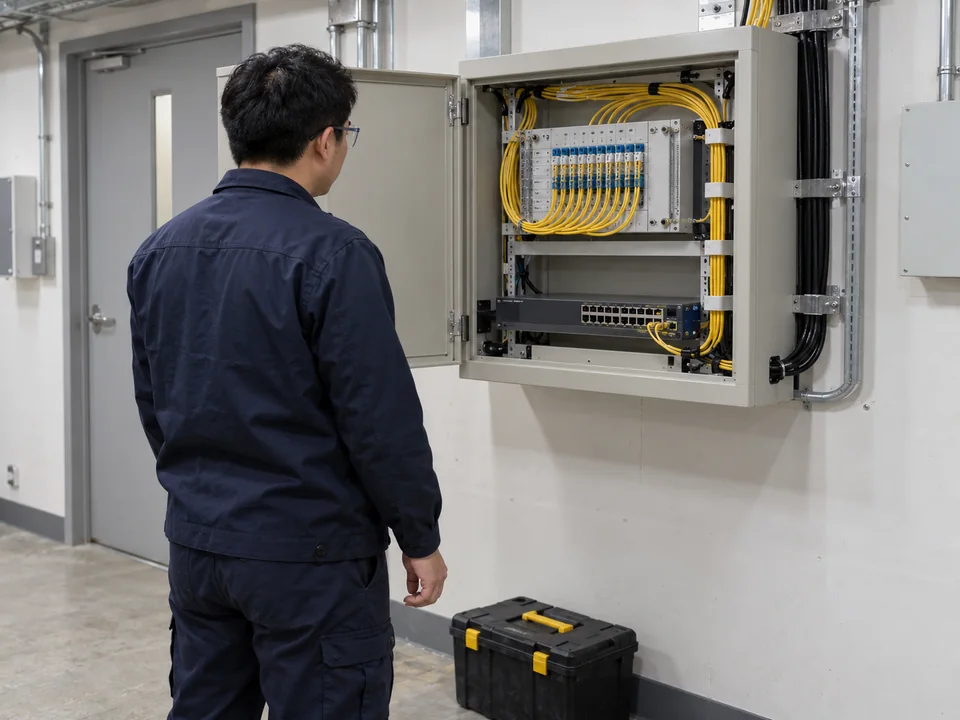
Fibre work inside a cabinet
Plan connections around equipment positions, working space and site operations.
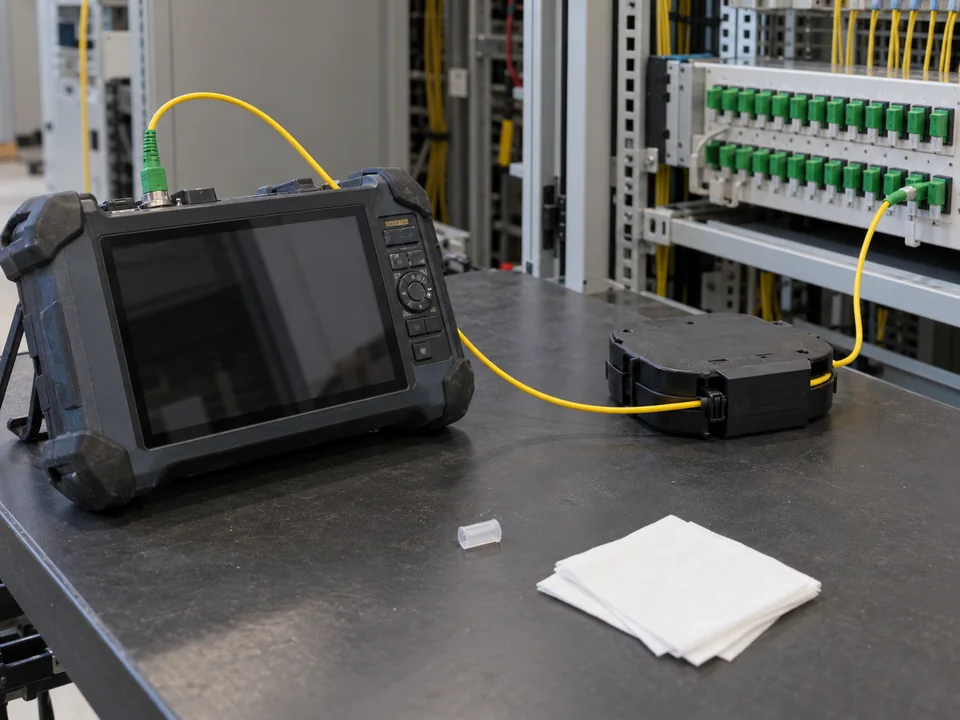
Testing and fault investigation
Agree test methods, records and handover scope for the cable and reported fault.
Support for project follow-up, faults and maintenance
- Project follow-up: Discuss work schedules, outstanding items, handover documents or the agreed engineering scope.
- Network faults: Describe whether wired connections, Wi-Fi, fibre or a particular device is affected, including the location and use.
- Maintenance arrangements: Request equipment checks, cable organisation or a changeover, then confirm the work window, affected services and scope.
Information that helps the Team follow up
Share what you know and mark unknown items as “to be confirmed”. Passwords and verification codes are not required.
| Item | Information to prepare |
|---|---|
| Project details | Project name, company/customer name, or the original quotation or work order reference, if available. |
| Site location | Address, floor, room, rack or affected area. |
| Contact details | Contact person, telephone, email and a convenient time to contact you. |
| Impact | All or some users? Wired connections, Wi-Fi or a specific device? Is business operation affected? |
| Timing | When it started, whether it is continuous or intermittent, and any equipment moves or setting changes beforehand. |
| Equipment and messages | Equipment makes and models, indicator lights, error messages or checks already completed. Skip unknown items. |
| Photos and records | Clear photos of the equipment, lights, cable labels or error screen. Conceal sensitive information that is not needed. |
How are follow-up arrangements confirmed?
- Share the project details and a short description of the problem so the Team can check the existing records.
- The Team will confirm any further information needed, the support scope and whether a site inspection is required.
- For site work, downtime or configuration changes, confirm the timing, affected services and arrangements first.
Responses, site arrangements, charges and maintenance scope must be confirmed by the Team, based on the existing agreement or the scope agreed by both parties.
Share project information, without login credentials
Do not send account passwords, one-time verification codes or remote-access credentials. Photos can show the equipment and affected area while concealing personal information or other details that are not needed.
Common support questions
Can I contact you without the original work order?
Yes. Provide the customer/company name, project location, approximate work date and contact person to help the Team find the relevant records.
How do I report a problem if I cannot identify the cause?
Describe the affected locations, devices or use, and when the issue started. You do not need to decide whether it is a Wi-Fi or fibre fault.
Where should I enquire about additional ports or new work?
Use the new project enquiry to describe the locations, purpose and preferred timing. Include the existing project details if the new work is related.
Have a new engineering requirement?
For additional LAN ports, Wi-Fi deployment, fibre connections or server-room work, use a new project enquiry so the requirements can be recorded separately.
New project enquiry