01
Office / server room links
Fibre connections between offices, warehouses or server rooms
- Starting rack
- Fibre route
- Destination rack
Share both endpoint locations and the approximate distance.
Connecting floors or server rooms, or repairing existing fibre? Tell us which locations need connecting, then we can assess the specifications and route.
Enquiries are welcome across Hong Kong and the Greater Bay Area; site, travel and work arrangements are confirmed for each project
FIBRE FAULT SUPPORT
A fibre link has stopped working, a cable may be damaged, or a connection between floors has failed? Share the site location, impact and when the issue started so the engineering team can understand the problem.
You can request urgent repair support. Attendance time and charges must be confirmed by the engineering team.
Engineering Essentials
Fiber.com.hk accepts enquiries for fibre installation, splicing and repairs in Hong Kong, including connections between offices, warehouses and server rooms. Start by confirming endpoints, fibre type, core count and routes. Multi-floor, outdoor and protection requirements need site assessment.
Suitable Scenarios Connections between floors or server rooms, and existing fibre repairs
Fibre Knowledge: Types, Splicing and TestingFIBRE ENGINEERING / IN DETAIL
Cable routes, joints, fibre storage and testing all matter for future maintenance. These illustrations show different installation and equipment settings.
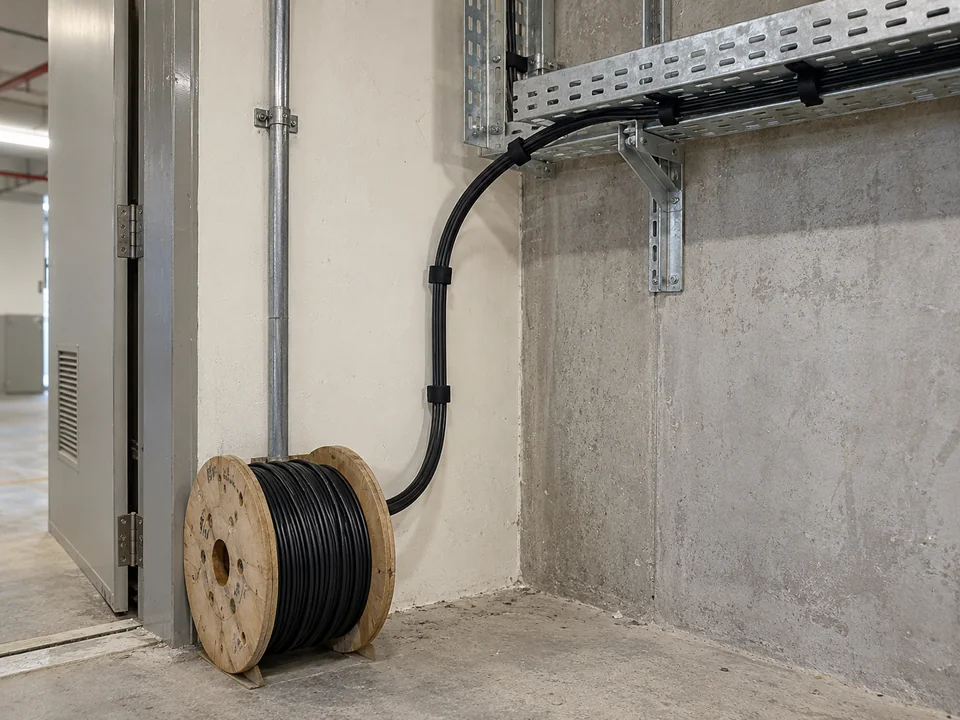
Confirm both endpoints, containment and protection needs before agreeing the cable route.
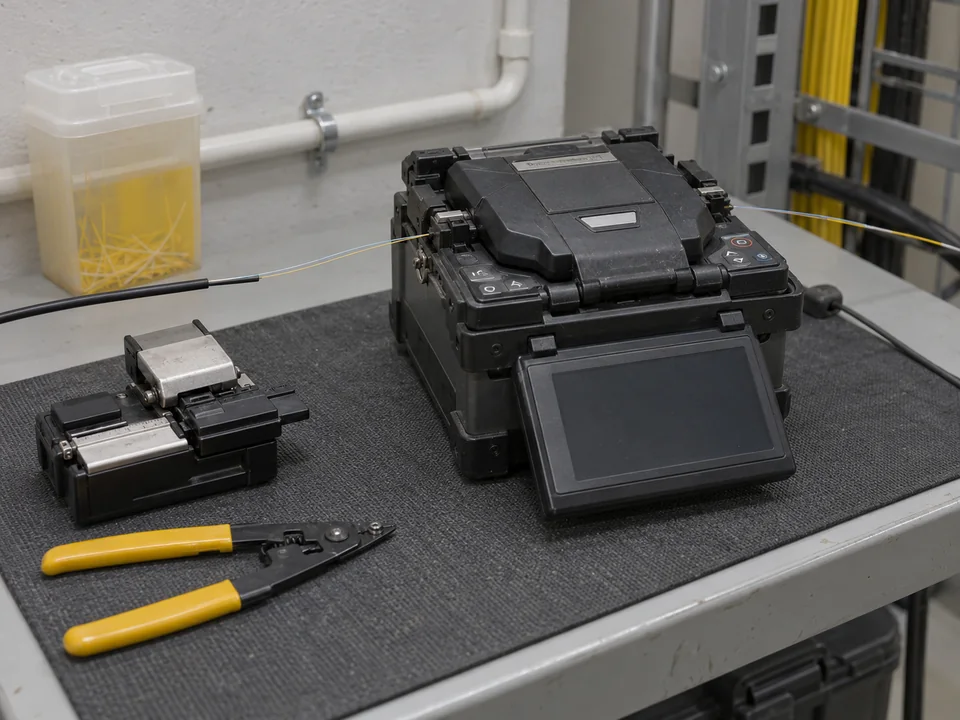
Joint preparation, splice protection and storage depend on the existing fibre and site conditions.
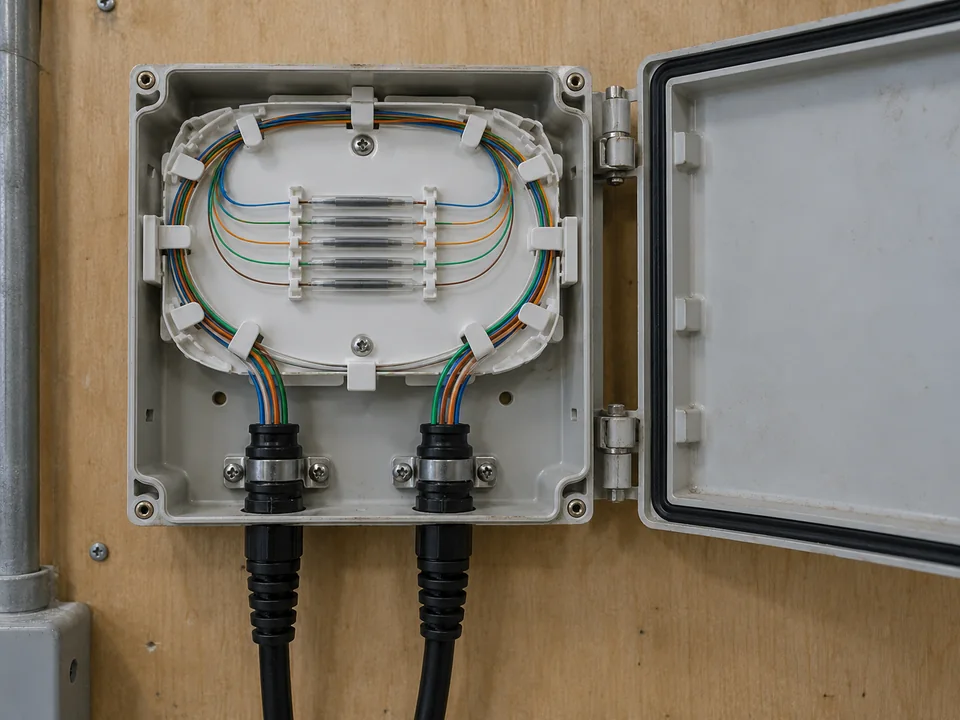
Protect splice locations and organise spare fibre so connections remain accessible for inspection.
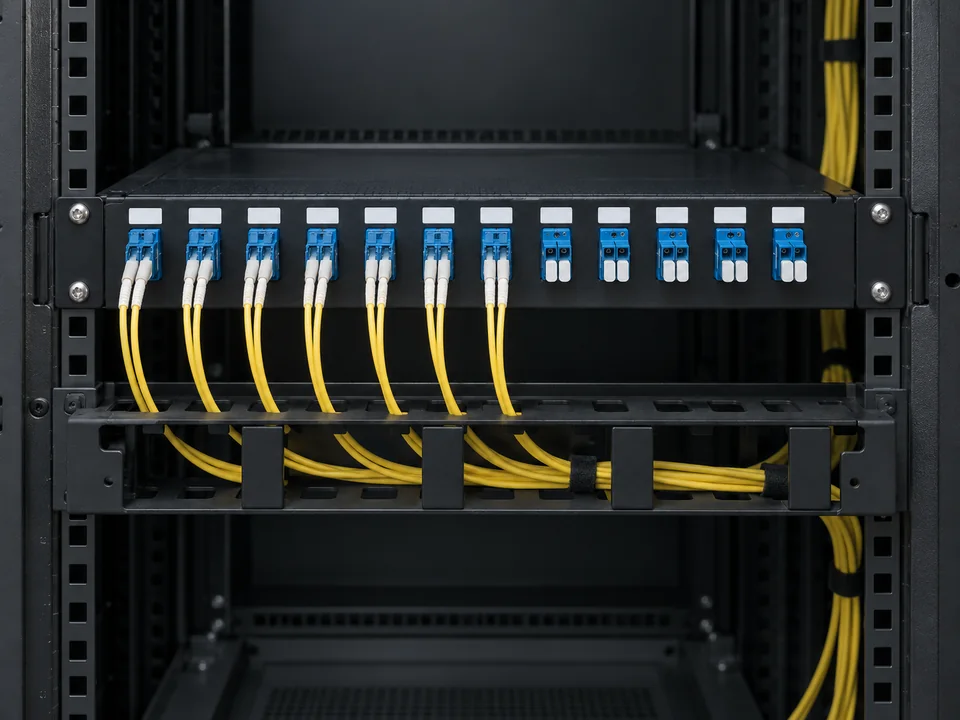
Check ports, patch leads and identification at both ends to keep connections traceable.
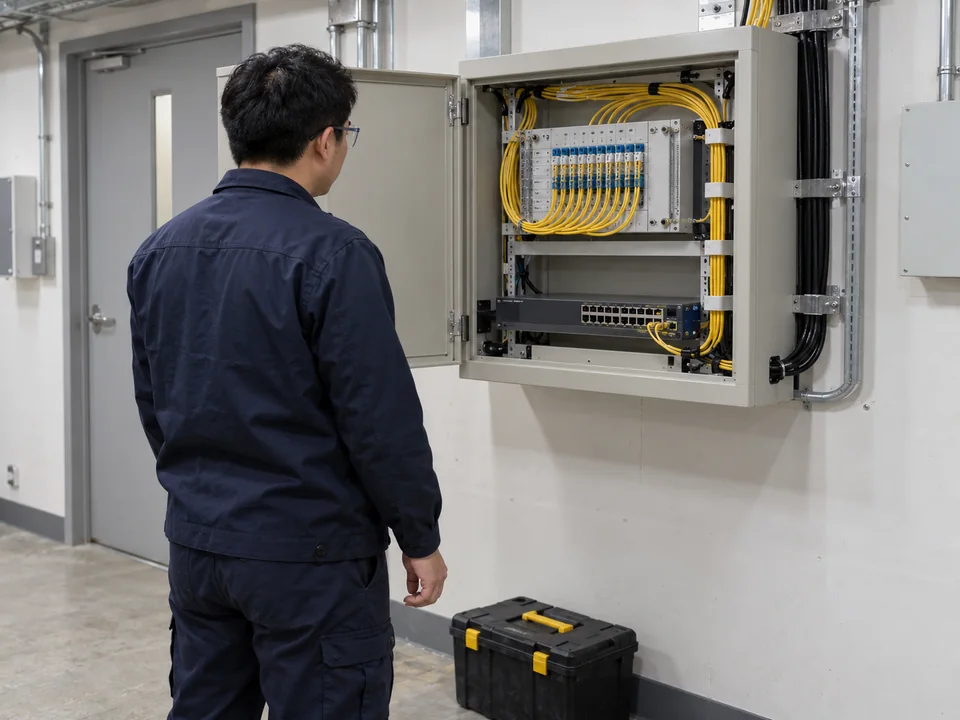
Plan connections around equipment positions, working space and site operations.
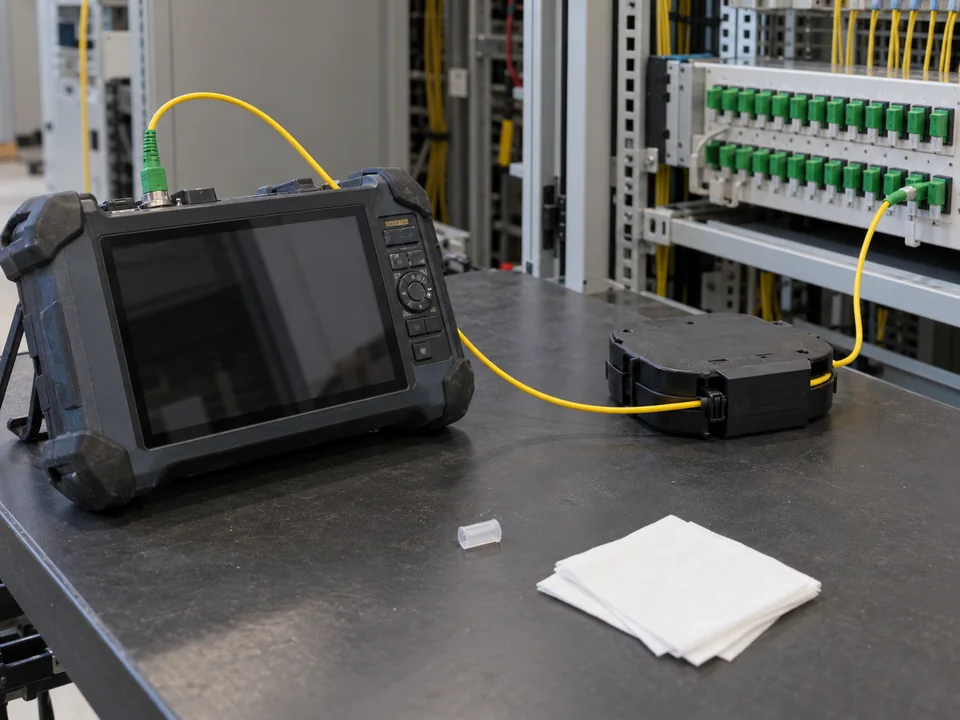
Agree test methods, records and handover scope for the cable and reported fault.
FIBRE CONNECTIONS / EXPLAINED
Start with the two locations you want to connect, then consider the route, equipment and site conditions.
Fibre connections between offices, warehouses or server rooms
Share both endpoint locations and the approximate distance.
Links across floors, long routes or outdoor areas
Confirm the route, protection and building-management requirements on site.
Splicing, repairing or reorganising existing fibre
Agree the affected scope, work window and testing requirements first.
Connection and workflow illustrations for reference only. Fibre type, interfaces, core count and route depend on the site and equipment.
Provide what you know. Unknown items can be confirmed on site
Confirm fibre type, equipment interfaces, core count and routes; unknown specifications can be checked during a site visit
Outdoor, multi-floor or special protection requirements need assessment of the route, building management permissions and work conditions before arrangements are made
Where telecom broadband installation or existing services are involved, clarify responsibilities and coordination first. We do not promise activation on a telecom operator's behalf
Agree Before Quotation · Clear Acceptance Criteria
Agree on loss, length, polarity and testing scope according to the link's purpose. OLTS insertion loss testing and OTDR event analysis serve different purposes and are not interchangeable acceptance tests.
These are acceptance items for discussion. Not every quotation automatically includes all testing or documentation; the actual scope must be agreed first.
OLTS / OTDR Technical Reference · Fluke NetworksFiber.com.hk handles optical fibre routes within a site and between end devices, including installation, splicing, inter-floor connections and fault repair. Location, purpose and existing equipment define the scope.
A Fiber LAN commonly uses optical fibre for its backbone or selected links between floors, cabinets or switches. The last connection to computers, phones and APs may still use copper. An all-fibre design depends on equipment, distance and usage requirements.
Some APs and optical network terminals support optical uplinks. A typical AP with only an RJ45 Ethernet port cannot take fibre directly. A compatible optical-uplink switch or other equipment may connect the AP; optical ports, modules, speeds and power arrangements must be checked. Ordinary optical fibre does not itself deliver PoE power.
Provide the floors, equipment locations, approximate distance and existing cable details. Confirm containment, risers, building access requirements, fire compartments, fibre count and downtime on site, together with compatibility of the optical modules at both ends.
Yes. Share the affected locations, when the problem started, equipment indicators and site access arrangements. You can request urgent repair support. Attendance time and charges must be confirmed by the engineering team. Inspection determines whether splice repair, connector work or cable replacement is appropriate.
Key factors include cable length, fibre type and count, splice count, route and protection needs, access and working hours, plus testing and handover documentation. Mark unknown details for confirmation during site assessment.
A light source and optical power meter measure end-to-end insertion loss. An OTDR helps analyse events, joints and fault locations along the fibre. The methods serve different purposes; agree the test method, reference setup, acceptance requirements and report scope before the work.
Each type of work needs different information. Share what is available; unknown specifications and the work method can be confirmed during assessment.
| Information to provide with your enquiry | Items to confirm on site |
|---|---|
| Fibre installation Start and end locations, floors, approximate distance and indoor/outdoor route requirements. | Existing containment, access and protection requirements, fibre type and fibre count. |
| Fibre splicing Existing fibre markings, connection locations, fibre count and equipment at both ends, if known. | Fibre compatibility, joint locations and protection, and the downtime window. |
| Fibre fault repair Affected locations, when the issue started, equipment lights, error messages or available photos. | Inspection scope, cable and connector condition, repair method and testing arrangements. |
Confirm the actual work, testing and documentation scope with the Team before proceeding.
You can start before the specifications are clear. We will work through them with you.