What is optical fibre? Fibre or fiber?
Optical fibre carries data as light. A core surrounded by cladding guides the light, with protective layers around it. “Fiber” is the American spelling; “fibre” is the British spelling.
Technical reference: Corning · Optical fibre basics
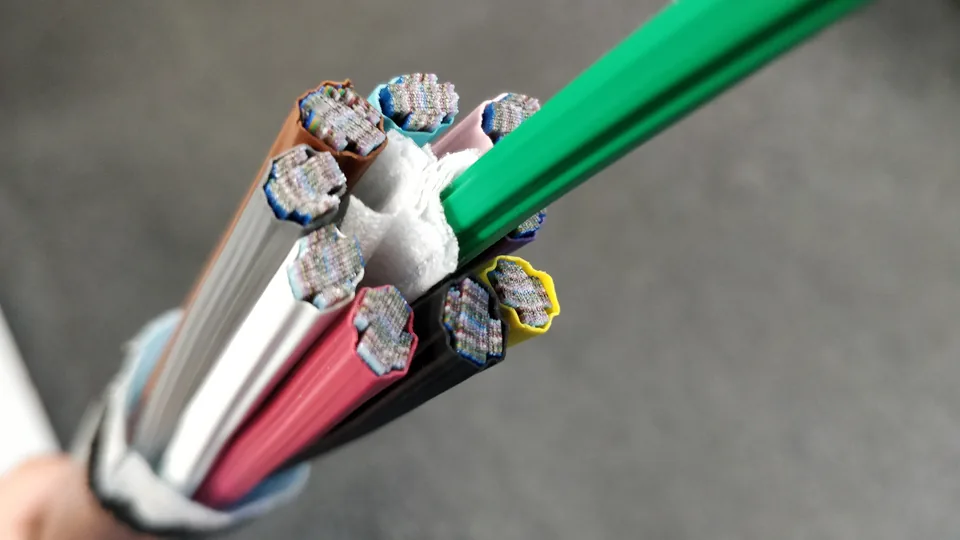

Single-mode and multimode: more than a speed comparison
Single-mode fibre has a smaller core supporting one propagation mode. Multimode has a larger core supporting several modes. Labels include OS2 and OM3/OM4. Selection must match the existing fibre and equipment at both ends.
Technical reference: FOA · Optical fibre
Check equipment before specifying speed and distance
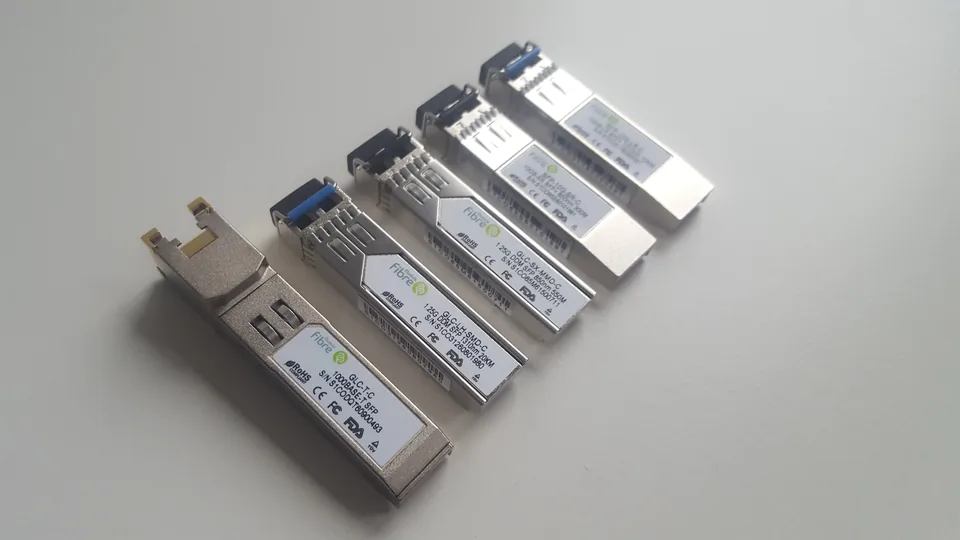
SFP/SFP+ optical modules have specific speeds, fibre types, wavelengths and reach. A fibre cable alone does not guarantee a network speed. Check the equipment and optical module models at both ends together.
Technical reference: Cisco · Optical transceiver specifications

Planning fibre, copper LAN cabling and Wi-Fi together
Describe the locations requiring a wired connection, devices needing LAN ports, and areas needing better Wi-Fi. Fibre works, equipment connections and wireless coverage can be assessed together so the chosen cabling fits the actual use.
| Item | What to consider |
|---|---|
| Fibre connections | For example, links between floors, server rooms or separate locations. Identify both ends first. |
| LAN cabling | List computers, phones, printers and AP positions, with an approximate port count. |
| Wi-Fi engineering | Describe rooms, floors, weak-signal areas, users and existing AP/switch equipment. |
Cable installation, splicing and termination are separate tasks
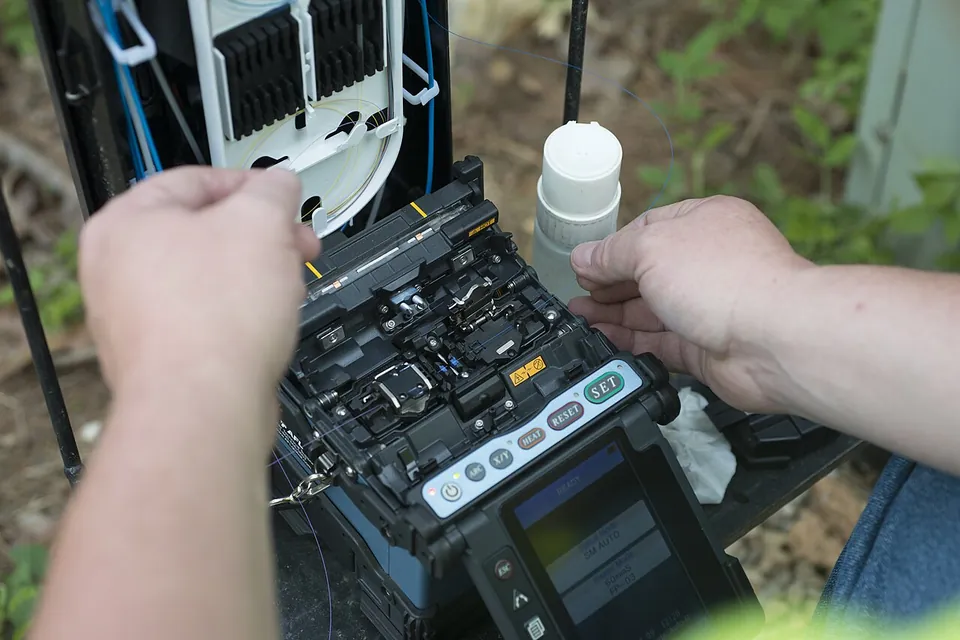
Installation routes and protects the cable. Termination can use connectors or spliced pigtails to connect equipment. Connectors provide a removable connection; a splice is permanent. The method must suit the equipment and environment.
Technical reference: FOA · Fibre terminations
Fusion splicing aligns prepared fibres and joins them with an electric arc, then protects the joint. The splicer’s estimated loss is not a completed end-to-end acceptance test.
Technical reference: FOA · Fusion splicing

Match connector shape and end-face type
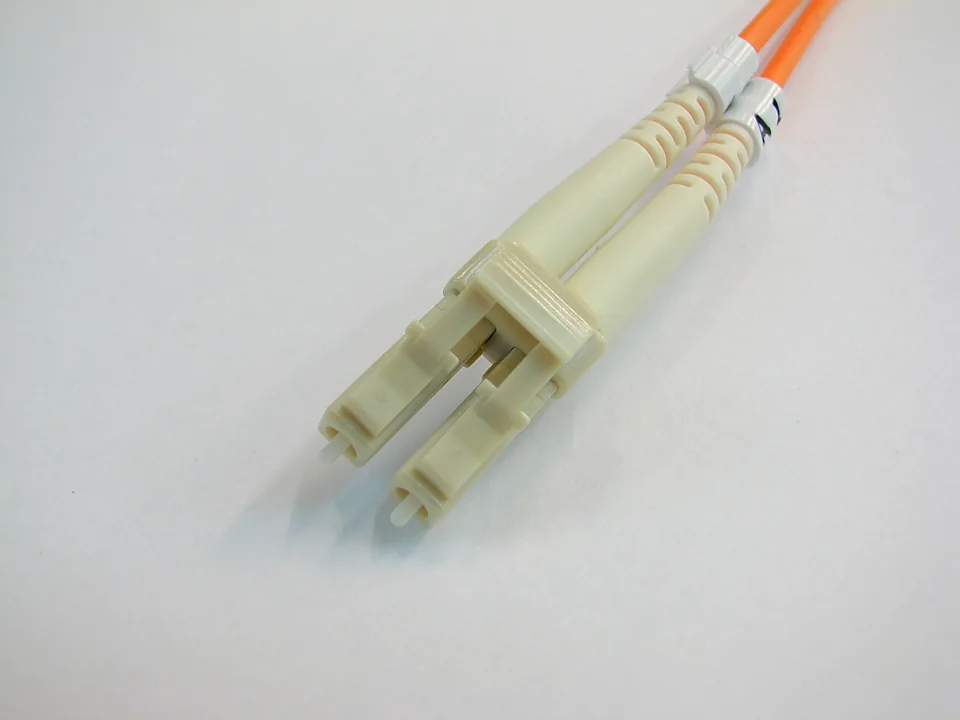
Provide LC/SC markings or clear photographs if available. UPC and APC have different end-face geometries. APC has an angled end face and must not be directly mated with UPC: the mismatch can impair the signal or damage the end faces.
Technical reference: Fluke Networks · APC and UPC

What is the difference between OLTS and OTDR?
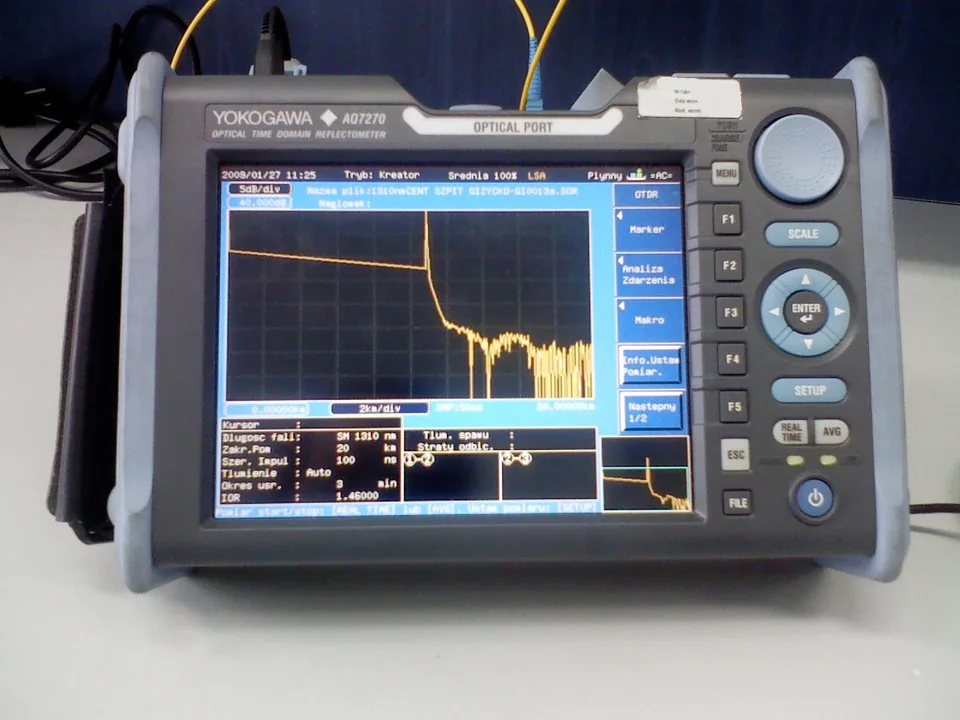
An OLTS measures insertion loss using a light source and power meter. An OTDR locates fibre events from returning light. It does not replace required insertion-loss testing. Agree tests and documentation before quotation.
Technical reference: Fluke Networks · OLTS and OTDR

Careful end-face inspection and safe handling
A new connector or dust cap does not guarantee a clean end face. Inspect before connection, clean if needed, and inspect again. Avoid touching the end face.
Technical reference: Fluke Networks · Inspection and cleaning
Signals inside fibre can be invisible infrared light. Do not look into a connector. Bare-fibre fragments can injure skin or eyes; suitable personnel should handle opening, splicing and inspection.
Technical reference: FOA · Fibre safety
What to prepare for a Hong Kong fibre enquiry
Share what you know. Mark unknown items as “to be confirmed” rather than guessing specifications.
| Item | What to consider |
|---|---|
| Connection needs | Start and end locations, purpose, approximate distance and floors. |
| Existing information | Fibre markings, fibre count, connectors, equipment models, drawings or photographs, if available. |
| Site and route | Indoor/outdoor route, existing containment, building access and protection requirements. |
| Works and handover | Acceptable downtime, preferred date, tests and documentation required. |
Telecom broadband contracts, activation and service terms must be confirmed separately from on-site fibre works. Engineering scope, charges and site visits are confirmed per project.
Common fibre enquiry questions
Can I enquire without knowing fibre specifications?
Yes. Describe the locations, purpose and current problem. Fibre type, fibre count and equipment can be confirmed with the Team or during a site assessment.
Does a fault always require replacing the entire cable?
Do not decide on a complete replacement before inspection. Share the affected locations, timing, equipment and available records so the inspection and repair scope can be assessed.
Does a quotation automatically include every test?
No. Test items, methods, acceptance criteria and documents must be specified and arranged within the agreed engineering scope.
This hub provides general fibre information. Confirm actual specifications and testing requirements against equipment documentation and the project scope.